Plug-In Windows
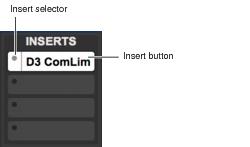
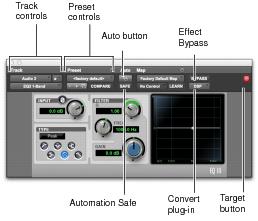
A Plug-In window appears whenever you click a plug-in’s Insert button on a track. This floating window lets you adjust the controls of any real-time plug-in insert in use on a track.
Insert button and selector on a track
Plug-In window (mono 1-Band EQ III shown)