MIDI Editing : Time Compression/Expansion Trim Tool Functionality on MIDI Clips
Time Compression/Expansion Trim Tool Functionality on MIDI Clips
The Time Compression/Expansion Trim tool is useful for matching a MIDI clip to the length of another clip, a tempo grid, or any other reference point.
With the Time Compression/Expansion Trim tool, you can move the MIDI clip’s start or end point to expand or compress the clip, scaling the MIDI data accordingly regardless of the track’s timebase (ticks or samples).
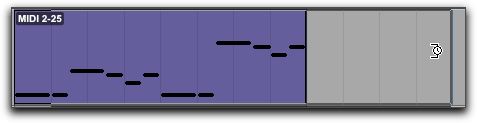
Before trimming a MIDI clip with the Time Compression/Expansion Trim tool
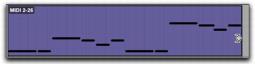
After trimming a MIDI clip with the Time Compression/Expansion Trim tool