Setting the Grid Value
When inserting MIDI notes with the Pencil tool, the Grid value determines the Note On location of each note, or other characteristics, based on the Pencil tool shape (see
“Using the Pencil Tool” on page 370).
To set the Grid value for MIDI editing:
1. Click the Grid Value selector and select Bars|Beats.
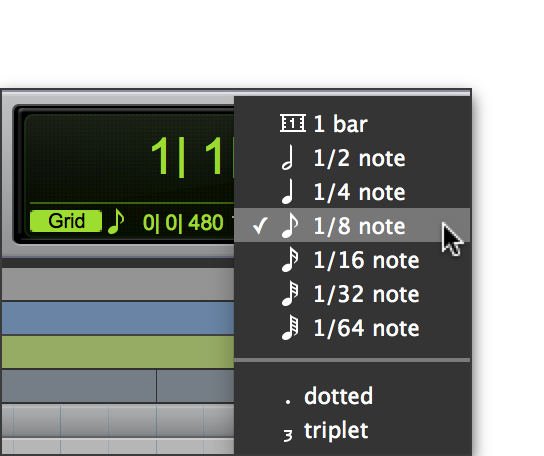
2. Click the Grid Value selector again and select a note value (such as 1/4, 1/8, or 1/16).
Selecting the Grid value in the Toolbar
3. To define a dotted or triplet value, do one of the following:

To dot the selected Grid value, click the Grid Value selector again and select
Dotted.
To make the selected Grid value a triplet, click the Grid Value selector again and select
Triplet.
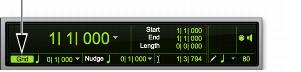
To show (or hide) grid lines in the Edit window and the MIDI Editor window:
Select (or deselect) the Grid button.
Grid button selected in the Edit window
 For more information on Grid mode, see “Grid Mode” on page 286.