Naming Tracks
Track names are used to auto-name recorded audio files and clips.
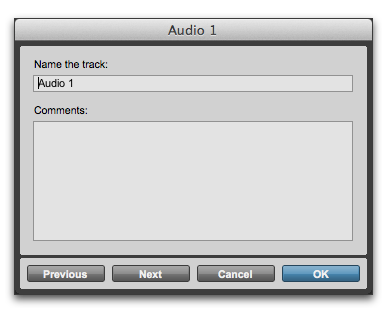
Track Name/Comments dialog
To rename a track:
1. Do one of the following:

In the Mix or Edit window, double-click the Track Name button for the track you want to rename.
In the Track List, or Mix or Edit window, Right-click the track name for the track you want to rename.
2. In the Track Name/Comments dialog, type a new track name.
3. Click Previous or Next to rename other displayed tracks.

To move to the previous or next track in the Track Name/Comments dialog, you can press Command (Mac) Control (Windows) and use the Up/Down or Left/Right Arrows.
4. Click OK.