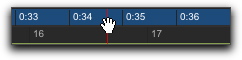
Scrolling in a Timebase Ruler
You can scroll the contents of the Edit window by dragging in a ruler. While this does not actually update the project’s Current Location, it does let you conveniently shift the display left or right for the sake of finding and editing material.
This method of scrolling is especially useful when using the Continuous Scrolling option, which does not update or follow Timeline selections.
To scroll the entire contents of the Edit window from a ruler:

While pressing Command+Option+Control (Mac) or Control+Alt+Start (Windows), drag left or right in any of the Timebase rulers.
Scrolling in a ruler