Default Program Change
The default program change for each MIDI track is specified by clicking on the Patch Select button, from either the Mix or Edit window. Once specified, the default program change message is sent to your instrument when playing the track.
To set the default program change for a MIDI or Instrument track:
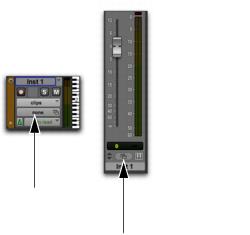
1. From the Mix or Edit window, click the Patch Select button.
Patch Select buttons
2. Do one of the following:

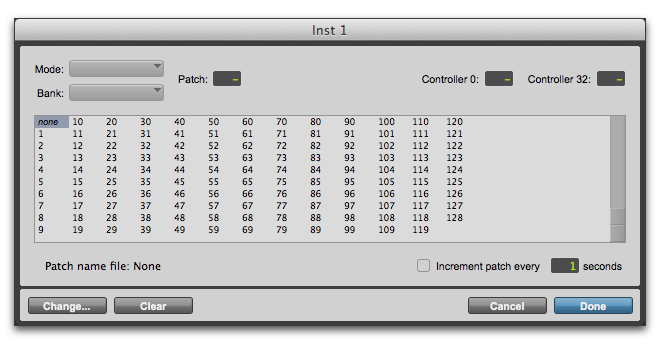
In the Patch Select dialog, select a program number.
Patch Select dialog
3. Click Done.
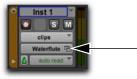
Once selected, the program number (or patch name) appears in the Patch Select button in the Edit window.
Patch Select button, Edit window
Unlike recorded and inserted program change events, the default program change does not appear in the track.
To clear the default program change, select None in the Patch Select dialog.