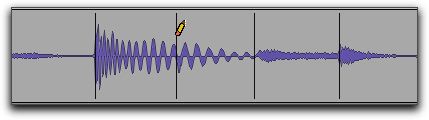
Deleting Event Markers
To delete an Event marker:
1. Make sure you are in Analysis view.
2. Do one of the following:

With the Pencil tool, Option-click (Mac) or Alt-click (Windows) the Event marker you want to delete.
With the Grabber tool, Option-click (Mac) or Alt-click (Windows) the Event marker you want to delete.
With the Selector tool, make an Edit selection that includes any Event markers you want to delete and press Delete or Backspace on your computer keyboard.
With the Selector tool, make an Edit selection that includes any Event markers you want to delete, Right-click the selection, and choose Remove Event Marker from the pop-up menu.
Deleting an Event marker with the Pencil tool