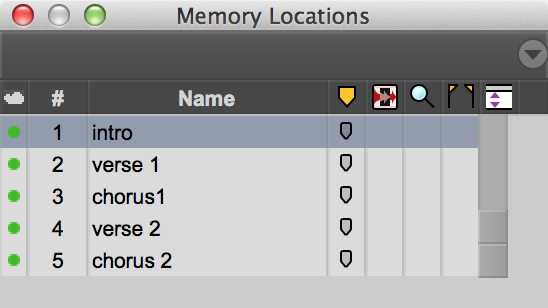
Memory Locations Window
In the Memory Locations windows, Memory Locations are listed with assigned number, name, and View Filter icons. Locations can be recalled or edited from this window.
Memory Locations window with View Filter icons
To recall a Memory Location from the Memory Location window:

Click the Memory Location.

With the Numeric Keypad mode set to Classic, press the Memory Location number followed by Period (.). With the Numeric Keypad mode set to Transport or Shuttle, press Period (.), the Memory Location number, and Period (.) again.