Creating a New Project
To create a new project from a template:
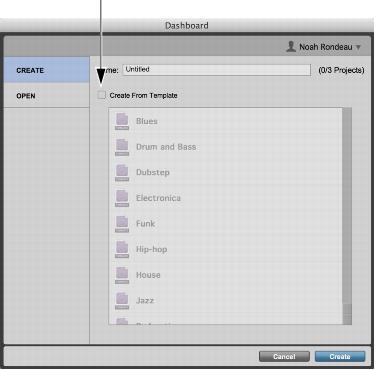
1. Select Create, or if Pro Tools | First is already running, choose File > Create New.
2. Deselect that the Create From Template option.
Dashboard, Create From Template disabled
3. Type a name for the project.
4. Click Create.
Pro Tools | First creates a new blank project. The project sample rate will be the same as the hardware sample rate displayed in the Playback Engine dialog (Setup > Playback Engine).