 Move the cursor to the left of the clip names, so the Marquee appears, and drag around the clips you want to select.Move the cursor to the left of the clip names, so the Marquee appears, and drag around the clips you want to select.
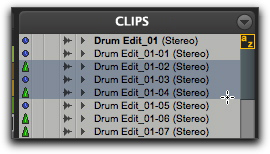 Click the name of a clip in the Clips List, and Shift-click an additional clip name.