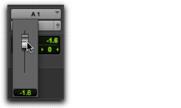
Volume Indicator
Shows the current volume, or input level of a track as set by the track Volume fader. In I/O view (Edit window), click the Volume indicator to display the Volume pop-up fader, which can be used to adjust the volume.
Edit window I/O view, Volume pop-up fader (audio track)