Trimming to a Selection Across Fades or Crossfades
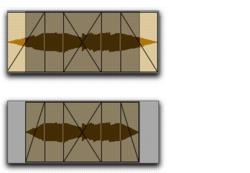
You can trim clips to selections that include fades or crossfades.
To trim a clip to a selection that includes fades, do one of the following:

Make a selection in the track and choose
Edit > Trim > To Selection. You can Trim across multiple clips and fades. Affected fades are adjusted to the new clip boundaries.
Click with the Selector in the clip and choose
Edit > Trim > Start to Insertion or
End to Insertion. You can trim to clip or fade boundary in the track.
Trimming to a selection across multiple fades