Moving or Nudging Fades or Crossfades within Clips
To move or nudge a fade or crossfade within its contributing clips:
1. Select the fade or crossfade by doing one of the following:

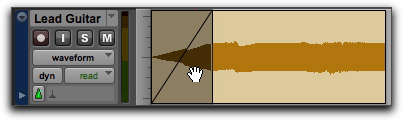
Use the Grabber tool to select the fade.
Use the Selector tool to select a range that includes the fade.
Selecting a fade with the Grabber
2. Move the fade by doing one of the following:
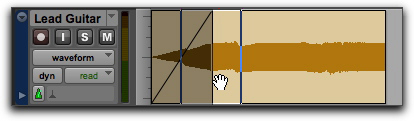
Drag the fade with the Time Grabber tool to a new location on the track.
Nudge the fade by pressing Plus (+) or Minus (–) on the numeric keypad to move the fade forward or backward on the track.
Dragging the fade with the Grabber
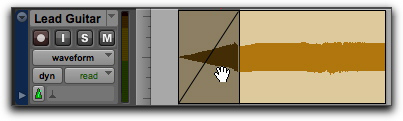
Result of moved fade