Trimming a Source Clip
To trim the source clip (loop iteration) of a looped clip:
1. Select the Loop Trim tool.
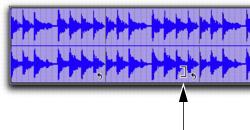
2. Move the cursor over a Loop icon in the looped clip, or anywhere along the bottom of the clip. The cursor indicates the Trim tool icon.
Loop Trim tool
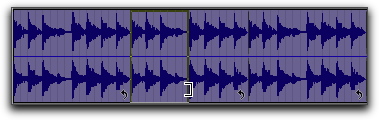
3. Trim the start or end of the loop iteration.
Trimming a looped clip
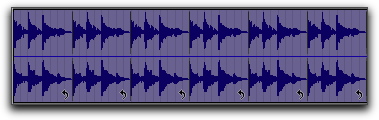
The number of trimmed loop iterations increases or decreases to fill the original length of the entire looped clip.
Trimmed looped clip