Loop Trimming a Looped Clip
To Loop Trim a looped clip:
1. Select the Loop Trim tool.
2. Move the cursor over the top half of the looped clip (not over a Loop icon). The cursor indicates the Loop Trim tool.
Loop Trim tool
3. Trim the looped clip.
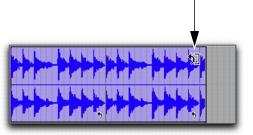
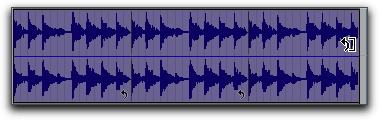
Loop trimming a looped clip
The number of loops increases or decreases to fill the new length of the entire looped clip.

Hold the Control key (Mac) or Start key (Windows) while trimming to trim in loop iteration increments.

Trimming a looped clip does not trim any underlying Fades.