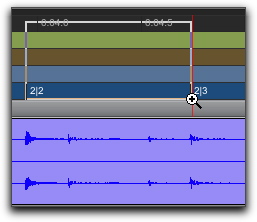
Zooming in a Ruler
To zoom horizontally in a ruler:
1. Press Command+Control (Mac) or Control+Start (Windows) and move the cursor into the ruler area, so the Zoomer tool appears.
Zooming in a ruler
2. Do one of the following:

Click once to zoom in one level around a certain point.
Drag to zoom in around a particular ruler range.