Transposing Notes
MIDI notes can be transposed by dragging them up or down with the Pencil or Grabber tool. If several notes are selected before dragging, each is transposed.
To transpose a MIDI note:
1. Set the MIDI or Instrument track to Notes view.
2. Select the Pencil or Grabber tool.
3. While pressing Shift, drag the note up or down.
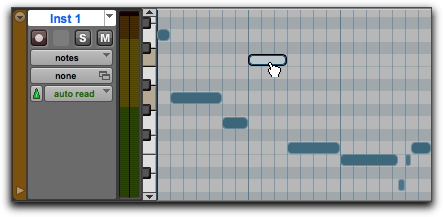
Transposing with the Grabber tool
The Shift key ensures that the transposed note maintains its original start point.
While dragging, each new note sounds and the Cursor Location Value indicator (in the Edit window) indicates the number of semitones and direction (+/–) for the transposition.

Hold Control (Mac) or Start (Windows), and then press Plus (+) on the numeric keypad to transpose the selected MIDI notes up by one semitone, or press Minus (–) on the numeric keypad to transpose the selected MIDI notes down by one semitone.
To transpose a copy of the note, leaving the original unchanged, press Option (Mac) or Alt (Windows) while dragging.