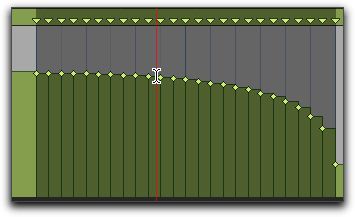
Using the Selector tool or any Grabber tool, double-click between two tempo events. The first event is selected.Using the Selector tool or any Grabber tool, double-click between two tempo events. The first event is selected.
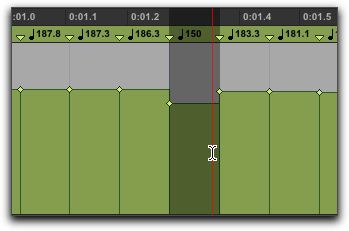 Using the Selector tool or any Grabber tool, triple-click on a horizontal tempo line in the curve that you want to select.