 Click the Tempo Editor Zoom In button (“+”).Click the Tempo Editor Zoom In button (“+”).Click the Tempo Editor Zoom Out button (“–”).
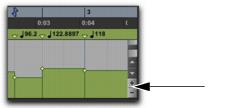 Click the Scroll Up Arrow to scroll up.Click the Scroll Down Arrow to scroll down.Drag the Scroll bar up or down.